 -35% · Save £160.99
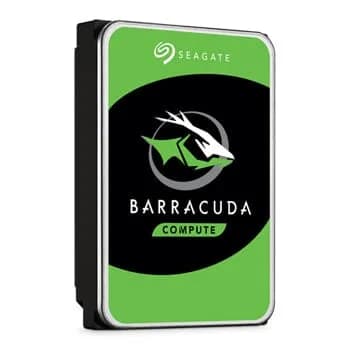
Seagate BarraCuda 2TB 3.5-inch SATA Hard Drive
£74.74
Scan: £114.98
UK reference price checked on . View Scan listing for the retailer’s current price.
Direct wholesale procurement Brand new & factory sealed 24-month warranty
In stock
About this product
The ST2000DM008 is a 3.5-inch mechanical drive with 2TB of capacity and a SATA interface. This OEM model is intended for installation in a desktop or compatible enclosure. It can complement an SSD by holding larger collections of files.
Check for a mounting bay and both SATA data and power cables. A spinning drive behaves differently from an NVMe SSD, especially when switching between many small files. Keep an independent backup of important material and review the case’s drive mounting if vibration or noise is a concern.
Before assembling the system, account for the exact version of the other components already owned. Plan which ports and cables must remain accessible after the case is closed, and keep part numbers recorded for future maintenance. Compare the specifications above with the case or board manual and fit everything with the system disconnected from power.
Identify the exact motherboard and case before choosing an upgrade. Check the board manual and available clearance, especially in a compact system where parts sit close together. After fitting the component according to the manufacturer's instructions, confirm the new hardware is recognised and reports the expected capacity or model before changing performance settings.
Specifications
Configuration
- Part number
- ST2000DM008
Other specifications
- Capacity
- 2 TB
- Format
- 3.5-inch SATA
- Spindle speed
- 7,200 rpm
- Cache
- 256MB cache
- Packaging
- OEM drive
Reviews
4 verified customer reviews
The BarraCuda holds finished photo projects while the SSD handles current work. Good use for a spare 3.5-inch bay.
Two terabytes is handy, but I still back up the important folder elsewhere. A hard drive isn't a backup plan by itself.
The 2TB BarraCuda takes the overflow of family videos. I leave the active edit on an SSD.
Check the SATA leads before opening the case. A free drive bay was only half the story.