 -35% · Save £22.40
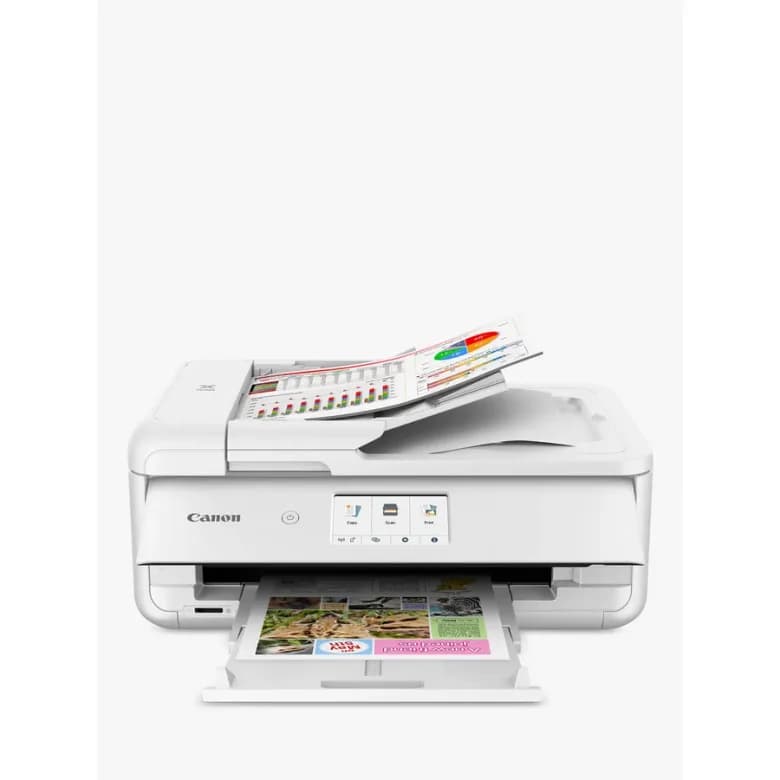
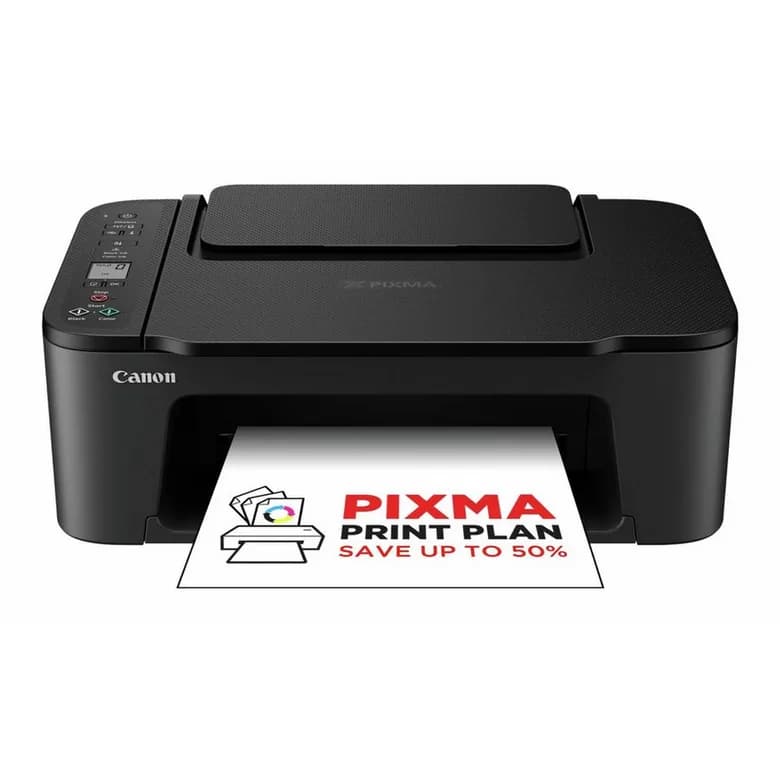
Canon PIXMA TS9551Ca All-In-One A3 Wireless Wi-Fi Printer, White
£136.49
John Lewis: £209.99
UK reference price checked on . View John Lewis listing for the retailer’s current price.
Direct wholesale procurement Brand new & factory sealed 24-month warranty
In stock
About this product
Canon PIXMA TS9551Ca All-In-One A3 Wireless Wi-Fi Printer, White. The listed configuration identifies manufacturer part number (mpn) (2988C058), wired connections (Ethernet/RJ45 / USB 2.0 (Type B)), connectivity type (Wi-Fi) and power supply (Mains). Use the specifications to compare this version with other products in the range. The named model and configuration are the details to match when you check compatibility or compare the price with the original UK listing.
Work back from what you need to print most often. Check paper size, scanner or copier functions and whether your computer or phone supports the connection you plan to use. Compare consumables by capacity as well as upfront cost. For a home office, put the printer where it has room to feed paper and where you can reach the cartridges or ink tanks. Test a short job before printing a full set of documents.
If you are replacing an existing device, write down the model you own and the accessories you plan to keep. Compare those requirements with the model details and the retailer’s technical listing. This is particularly useful when similar names cover different bundles or capacities. Use the product code in the specifications if you need to confirm which configuration is shown.
For a work or study setup, check the connections available at your usual desk as well as those on a laptop used on its own. If your computer is managed by an employer, ask which settings and companion applications are available. Test the controls in the programs you actually use for calls, documents or editing.
Specifications
Configuration
- Model
- PIXMA TS9551Ca
- Manufacturer part number
- 2988C058
- Colour
- White
- Product code
- 89500110
- Finish
- Matte
- Screen finish
- Matte
Hardware & storage
- Memory card slots
- Yes
Display & picture
- Display
- 10.8cm LCD (TFT colour/Touch)
- Scanning resolution
- 1200 dpi
- Screen size
- 10.80"
- Printing resolution
- 4800 x 1200 dpi
Battery & power
- Power supply
- Mains
Connections
- Wired connections
- Ethernet/RJ45 / USB 2.0 (Type B)
- Bluetooth version
- Not Bluetooth Enabled
- NFC enabled
- No
- Wireless
- WiFi 4 - 802.11n Enabled
Build & dimensions
- Weight
- 9.70 kg
- Dimensions
- H193.00mm * W468.00mm * D366.00mm
Other specifications
- Connectivity type
- Wi-Fi
- In the box
- • All-In-One A3 inkjet printer – PIXMA TS9551Ca WH • Set-up ink tanks • Power cord • Set-up CD-ROM • Manuals and other documents
- Paper size
- 13 x 18cm (5 x 7") / 20 x 25cm (8 x 10") / A3 / A4 / A5 / B5 / Legal / Letter / 10 x 15cm (4 x 6") / Custom
- Maximum paper size
- A3
- Type of cartridge
- Multiple Colour Cartridge
- Virtual assistant
- No Voice Recognition
- Care instructions
- Wipe Clean Only
- Scan to
- File / Print / USB
- Functions
- Print / Scan / Copy
- Mobile printing services
- Apple Air Print / Canon PIXMA Cloud Link / Canon Print App / Wi-Fi
- Borderless printing
- Yes
- Paper tray capacity
- Up to 100 sheets of plain paper
- Compatible inks
- PGI-580PGBK (Pigment Black)CLI-581BK (Black)CLI-581C (Cyan), CLI-581M (Magenta), CLI-581Y (Yellow)Optional XL/XXl Ink Cartridges also compatible
- Automatic document feeder
- No
- Printing speed
- Mono - 15.0 ipm Colour - 10.0 ipm
- Double sided printing
- Automatic
Reviews
4 verified customer reviews
Printing A3 plans at home saves me a walk to the copy shop. That's where this PIXMA earns its space.
The big sheets need room before and after the printer. Measure your desk with a page in hand.
Being able to print a floor plan in A3 is exactly why we chose the larger Canon.
It takes more shelf space with paper actually loaded. I measured it in working position first.